Callmaker logo

Inbound

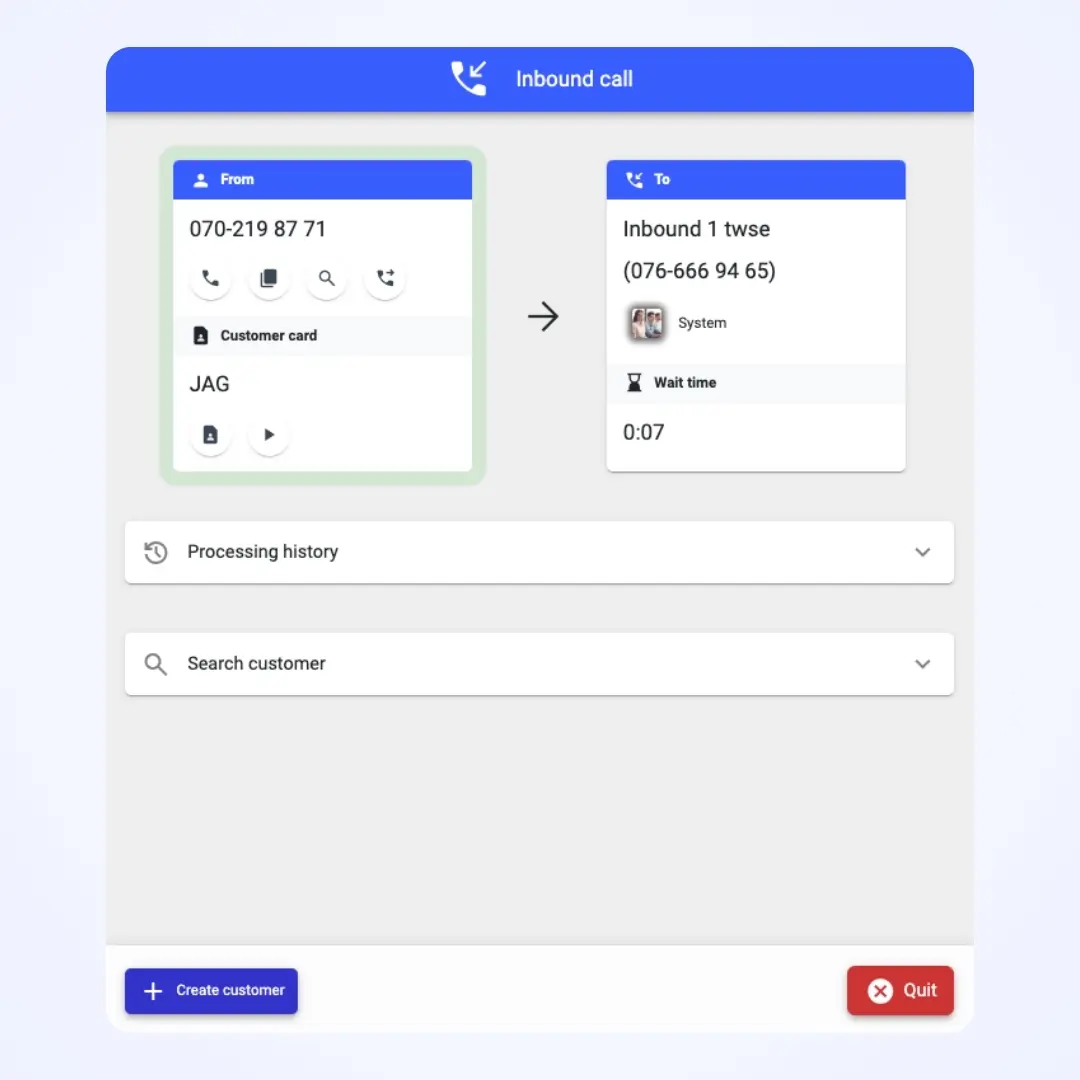
Connect inbound queues to projects and give multiple agents access. Inbound calls can be answered by agents wherever they are in the system.

Smart inbound

Handling callbacks gives you immediately better results. The inbound feature gives you callblending, customer service functions, personal numbers and much more.
Inbound call settings in Callmaker
Inbound queue settings in Callmaker

Personal number
when needed

For some sales reps it’s important to have their own number that is shown to customers on certain sales projects and on which they can also receive calls. Admins easily allocate the available numbers to their sales reps.

Skill-based routing

Of course, you choose which agents are authorised for which inbound queue.

What’s included?

Inbound

Each inbound queue can be linked to one or more projects or campaigns.

Callblending

Let an agent take incoming calls between their outbound calls.

Call forwarding

Forward to a queue, or forward a call to a colleague or an external number.

Personal inbound

Calls to your personal number go to your personal queue. See missed calls.

Personal outbound number

Your own number that is shown to the people you call and on which you can also receive calls.

Skill-based routing

Of course, you choose which agents are authorised for which inbound queue.

Frequently asked questions about inbound

What does callblending mean?

It means an agent takes incoming calls in between their outbound calls. Inbound calls are routed to the agent wherever they are in the system, so no callback is missed.

Can a sales rep have their own phone number?

Yes. The administrator allocates personal numbers to sales reps if their work requires it. Calls to the personal number go to the sales rep’s own queue, and missed calls are shown in the system.

How do I control which agents answer which inbound queue?

Each queue is linked to one or more projects or campaigns, and for each queue you choose which agents are authorised to answer.

Can an incoming call be forwarded?

Yes – to another queue, to a colleague or to an external number.

Can I see missed incoming calls?

Yes. Under Inbound you can see and filter all incoming calls to your queues, including missed ones, and get answer rates and other statistics. Incoming calls can also be linked to the customer card so the history is visible there.

Is inbound included in all plans?

No. Inbound is included in the Premium and Enterprise plans, as it’s a feature requested by customers with somewhat more extensive needs.
Callmaker for you

We’ll give you a free walkthrough of the system and onboarding. Take the chance to try the best dialer algorithm on the market!
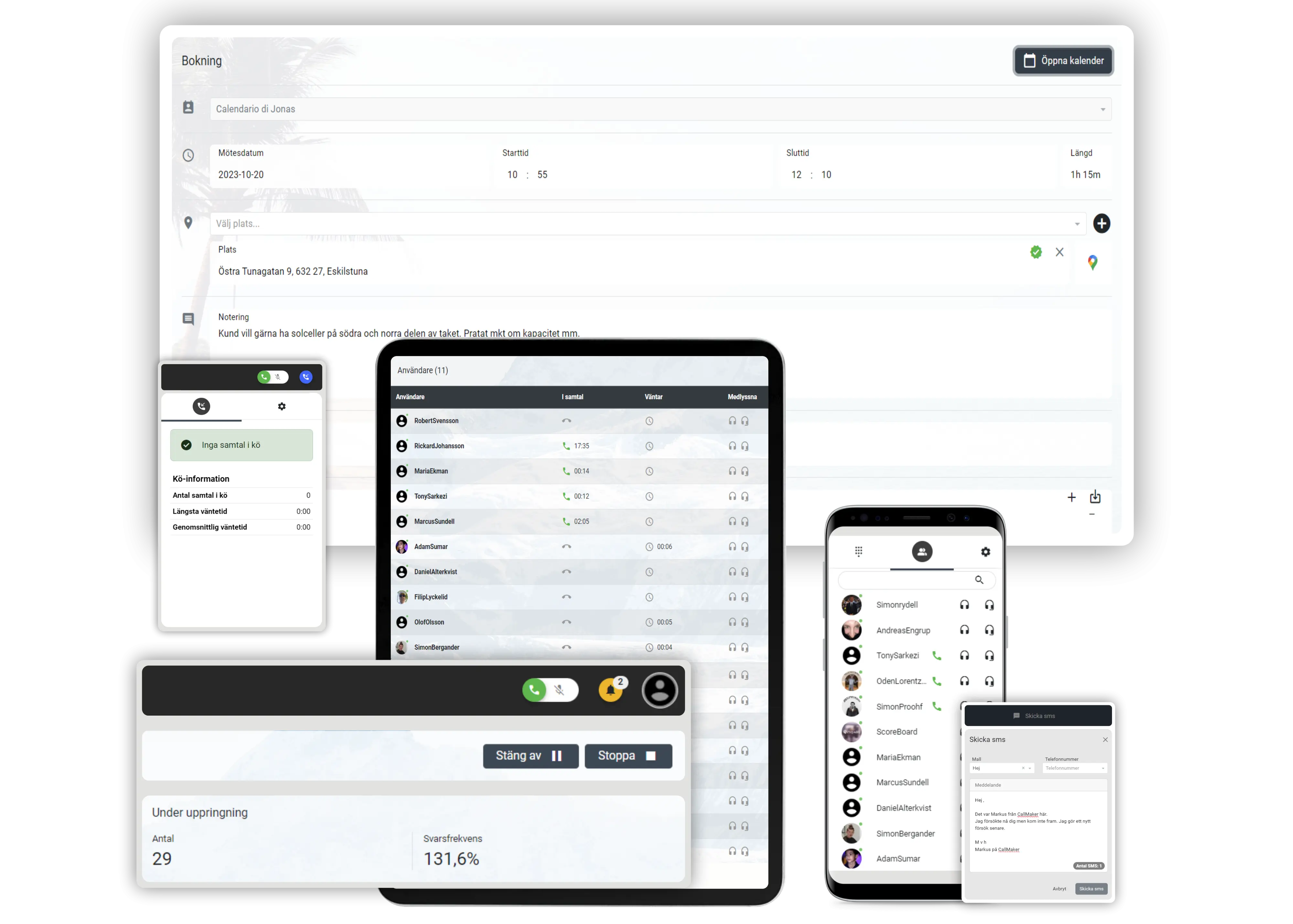
Callmaker on computer, tablet and mobile
CM Software Callmaker AB © 2026. Callmaker™ is a registered trademark of CM Software Callmaker AB.

CM Software Callmaker AB
556999-9971
Stora Badhusgatan 18
411 21 Göteborg
Sweden