Callmaker 1.46: Less admin. More time to sell
Callmaker 1.46 is here. Outbound calls can now go to the agent most likely to succeed, you can help a…

Callmaker 1.46 is here. Outbound calls can now go to the agent most likely to succeed, you can help a colleague right on their screen, and AI takes care of more of the everyday admin. That means more time for what counts: good conversations and more business opportunities.
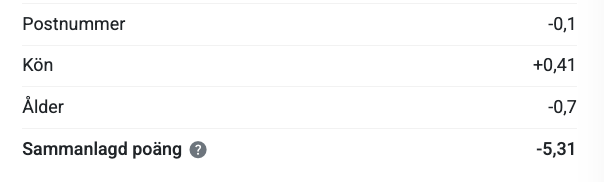
Some agents simply do better with certain customers. With the new skill-based outbound routing, the dialer acts on that: every outbound call goes to the available agent most likely to succeed with that particular contact. Scores are based on your past results and updated every night.
There’s no leap of faith. Start in Shadow mode: Callmaker shows which agent would have got the call, without changing how calls are distributed. Only once the Shadow results pass the check do you switch to Live. On the Skill Routing page under the Dialer menu, you can expand any decision and see exactly how the scores were split between agents. No black box.
Matching is built on a customer profile with three dimensions: postcode zone (around 20 Swedish zones in this first version), gender and age. Age can come from a personal identity number, a date of birth or an age field. If your customer data doesn’t include gender, an Autopilot can be set up to match first names against a database of every Swedish first name. One of the three dimensions is enough to get started, but the more you have, the sharper the profile.
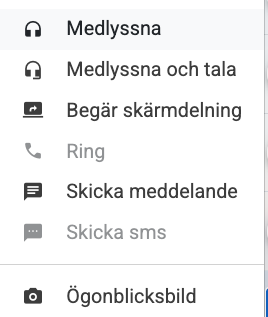
No more long explanations of where to click. With built-in screen sharing, an authorised user requests a session and sees a colleague’s screen live, right inside Callmaker. You don’t need separate remote-control software, and there’s nothing to install.
If watching isn’t enough, your colleague can hand over mouse and keyboard – and take control back at any time. With control you can click and drag, so you can help even in the layout and flow editors. Ideal for getting new agents started or for admins building flows together.
The person being helped stays in charge throughout, including whether masked values are shown. Every session is logged, and sessions survive short network blips and page refreshes.
Less manual work starts with a simple description. Say what your autopilot should do, let AI propose a plan and approve it before anything is built. Existing flows can also be described in plain language and reworked.

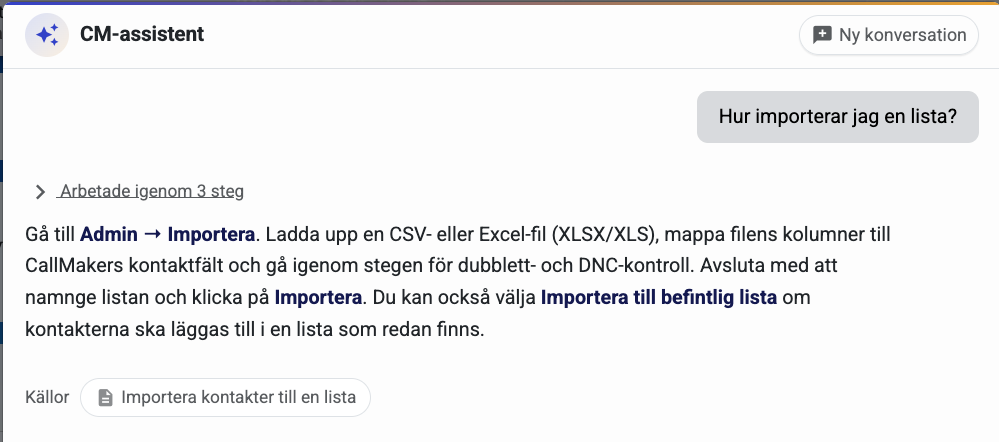
How do I do this? Where’s that setting? With the new CM assistant, administrators can get help right inside the system. The assistant answers from Callmaker’s documentation and shows where to find out more – in the language you ask in.
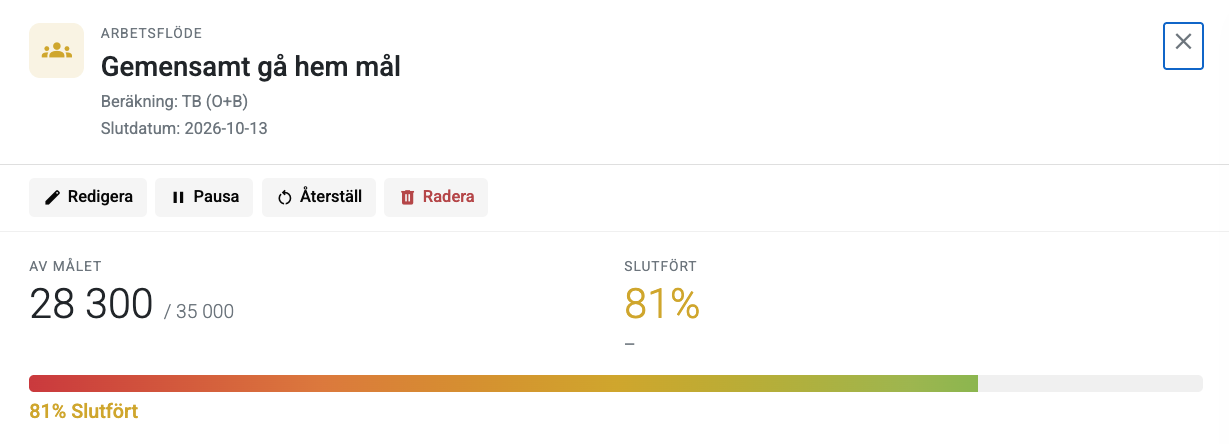
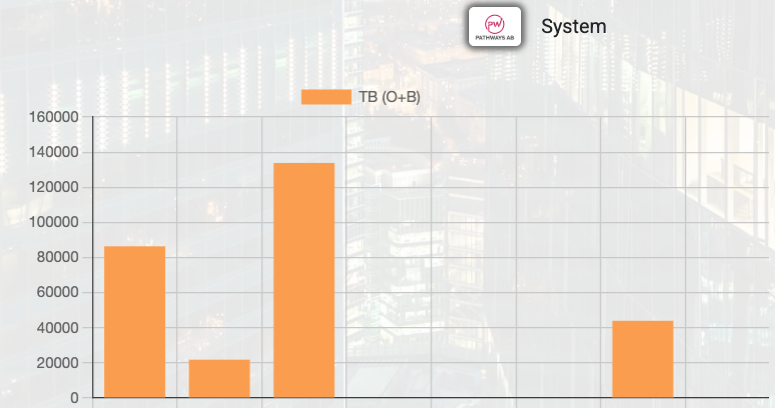
Let every agent track their calls, orders and bookings against clear targets. Rally the team around shared results and show progress live on the office screens. Everyone sees how it’s going and what you’re working towards.
With screen recording and a clear activity timeline, you get better material for follow-up and coaching. Follow each step of the work and find the calls that led to an order or booking. Screen recording is switched on separately and clearly shown to the agent while it’s running.
Export and keep working while the file gets ready. Handle bookings more smoothly and get steadier calendar sync. Signing in now takes 3–5 seconds instead of about 15, call control has improved and support for Nordic formats has been extended. On top of that, the release fixes 662 bugs.
Want to see what the new features can do for your team?
Book a 30-minute demo and we’ll show you how skill-based outbound routing and screen sharing work for your team.
What’s new in Callmaker 1.46 · 8 October 2026