Can the booker see several calendars at once?
Yes. The booker chooses to see one, several or all calendar resources side by side, by day, week or month, and finds the right time directly in the view.


Yes. The booker chooses to see one, several or all calendar resources side by side, by day, week or month, and finds the right time directly in the view.
Yes, by email and SMS from templates you design yourself, with a calendar event attached. If the meeting is changed or cancelled, the customer is updated the same way, and you can see whether the customer has accepted the event in their calendar.
Yes. Meetings are booked straight into the resource’s calendar, and rescheduling done there is synced back to Callmaker. Callmaker syncs with both Google and Microsoft cloud calendars.
Yes, for Google Meet or Microsoft Teams, and you can see straight away whether attendees have accepted.
With automatic reminders before the meeting and ready-made call lists of upcoming bookings, so you can easily call and confirm meetings in the days before.
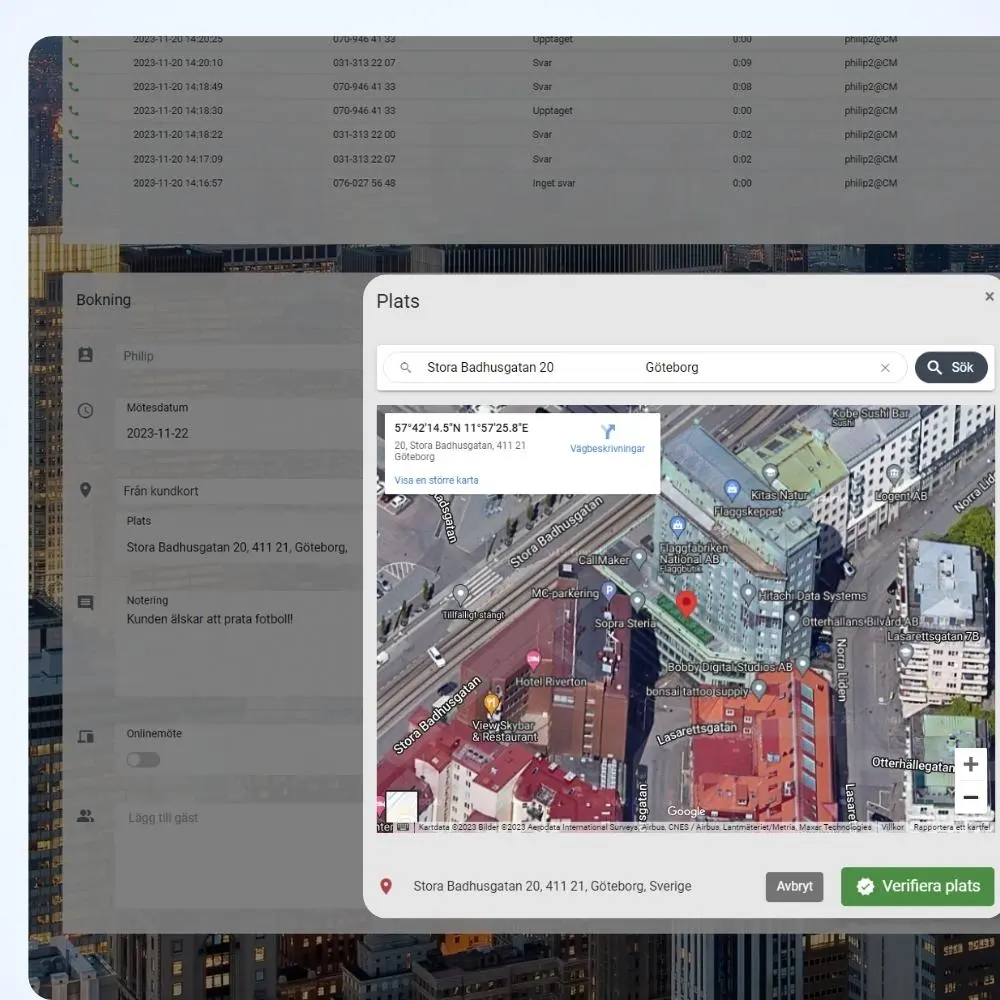
It calculates the travel time between the meeting you’re booking and the meetings already in the calendar, so that in-person visits are scheduled where travel time is shortest.
The person who held the meeting reports the outcome directly in the calendar event. It syncs automatically to Callmaker, so you quickly see how many meetings succeeded and how many need rebooking.